

October 12, 2026
Can you recycle old routers and modems?
Old routers and modems usually do not belong in curbside recycling. Here is where to take them and what to remove first.
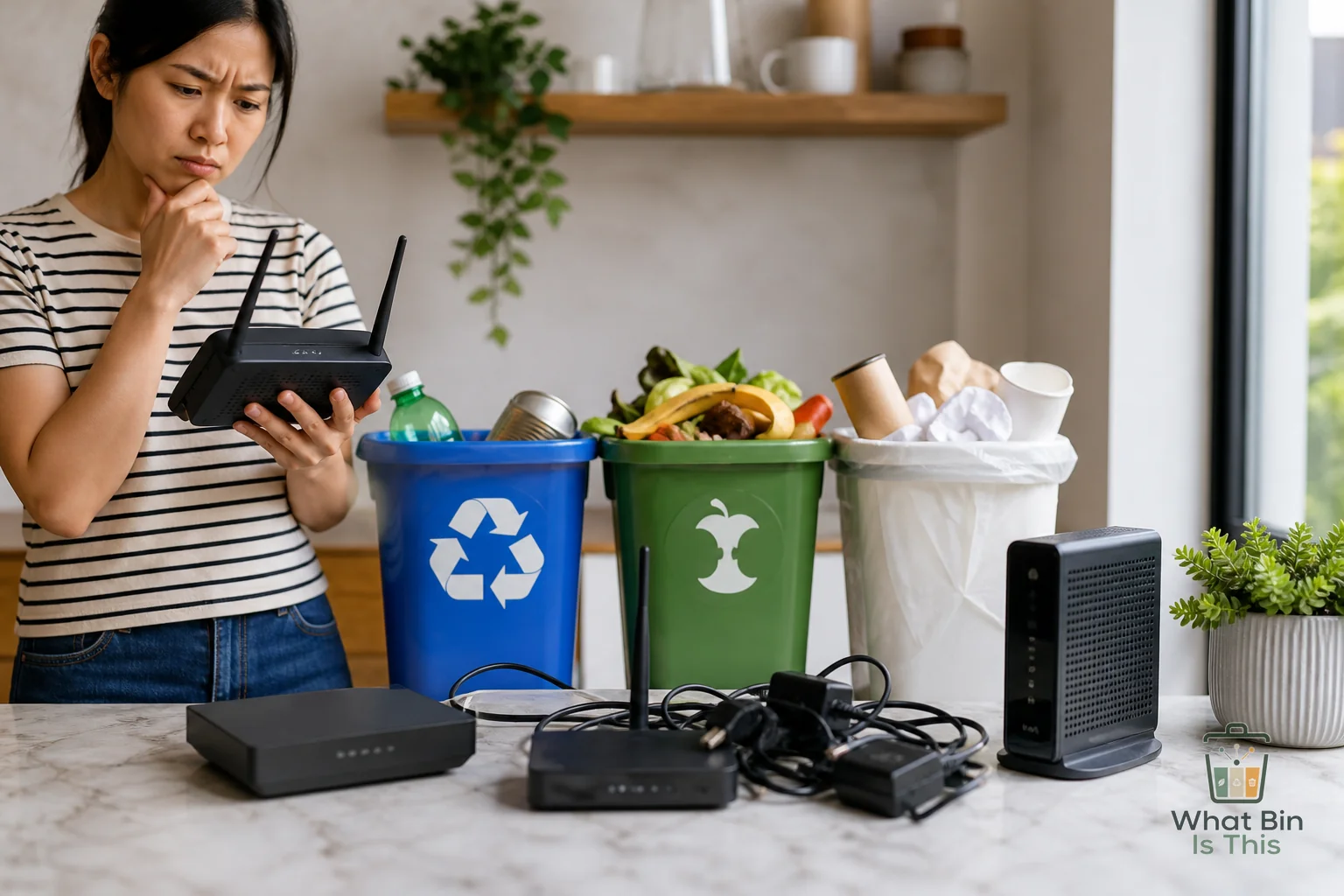
That dead router in the drawer looks harmless. It is small, mostly plastic, and probably came from your internet provider five years ago with a name like Gateway Ultra Something.
So the obvious move is tempting: toss it in the recycling bin and let the system sort it out.
Do not do that.
Routers and modems are electronics. They usually need an e-waste drop off, retailer recycling program, mail back program, or return to the internet provider. The annoying part is that they look recyclable, but they are not the same thing as a yogurt tub or cardboard box.
Direct answer
Old routers and modems generally should not go in your curbside recycling bin.
They should usually go to one of these places:
- An electronics recycling drop off
- A municipal e-waste collection event
- A retailer that accepts small electronics
- A mail back recycling program
- Your internet provider, if the device was leased or rented
If the router or modem belongs to your internet company, return it before recycling it. Some providers charge fees for unreturned equipment, and recycling a rented modem can turn a decluttering win into a billing headache.
If you own it outright, treat it like e-waste. It has circuit boards, ports, small metal parts, plastic casing, and sometimes internal components that curbside recycling systems are not built to handle.
The power cord is also electronic waste in many places. Do not coil it up and toss it into the blue bin. Cords can tangle in sorting equipment. For more on that, see Can old chargers and cables go in the recycling bin?.
Why this answer is not obvious
Routers and modems are confusing because they do not feel like “electronics” in the dramatic sense. They are not a cracked TV, a laptop, or a phone with personal photos on it. They are just little boxes with blinking lights that stopped being useful when your Wi-Fi got upgraded.
That is where people get tripped up.
The curbside recycling bin is mostly for simple, sortable materials: paper, cardboard, metal cans, glass containers in some areas, and accepted plastic containers. A router is not one clean material. It is a mixed device.
Inside that boring plastic shell are circuit boards, screws, ports, solder, chips, shielding, and wiring. Recycling facilities that handle bottles and boxes are not set up to safely or efficiently pull that apart.
There is also the shape problem. Small electronics can jam equipment, fall through sorting lines, or get pulled off as contamination. Even if parts of the device contain recyclable metal or plastic, the whole item usually does not belong in curbside recycling.
This is the same basic issue behind many electronics decisions. If you want the broader rule, read Do old electronics go in the recycling bin?.
Common mistakes
The biggest mistake is assuming “recyclable material” means “curbside recyclable item.”
Those are not the same thing.
A modem may contain recoverable metals. That does not mean your regular recycling truck wants it. Curbside programs accept items based on what their local sorting and processing system can handle, not based on whether some part of the object could theoretically be recycled somewhere.
Another mistake is forgetting the provider return issue. If your modem, router, or gateway came from your internet company, check your account before getting rid of it. Look for words like rented, leased, provider owned, or return required. If the company wants it back, return it through their approved process.
People also toss the accessories in different wrong bins. The cardboard box may be recyclable if clean and empty. The paper manual can usually go with paper recycling. Plastic film, foam inserts, and twist ties are a different story. The cord, power brick, router, and modem should be handled as electronics or e-waste unless your local program says otherwise.
A quick checklist before you get rid of an old router or modem:
- Check whether the device belongs to your internet provider
- Remove any personal labels, account stickers, or handwritten passwords
- Unplug and bundle the power cord separately
- Keep the device out of curbside recycling unless your city specifically accepts small electronics there
- Look for an e-waste drop off, retailer program, mail back option, or provider return
- Recycle the cardboard packaging separately if it is clean
Local rule caveat
Local rules can vary a lot with electronics.
Some cities have scheduled e-waste pickup. Some have permanent drop off centers. Some retailers accept small electronics at the front of the store. Some programs take cords but not devices, or devices but not batteries, or only certain categories.
So the safest answer is not “trash it” or “recycle it.” It is: do not put it in the regular recycling bin unless your local program clearly says routers and modems are accepted curbside.
If your city website has an item lookup, search for router, modem, internet equipment, small electronics, or e-waste. If nothing comes up, use the broader electronics guidance. A router is much closer to a small electronic device than a plastic container.
Also watch for battery language. Most basic routers and modems do not have removable rechargeable batteries, but some networking devices, backup units, or hotspot devices do. If there is a battery, follow local battery disposal rules. Batteries create different handling issues than ordinary electronics.
Practical takeaway
Old routers and modems are e-waste. They do not belong in the regular recycling bin just because they are small and mostly plastic on the outside.
If it was supplied by your internet provider, return it first. If you own it, take it to an electronics recycling option, retailer drop off, local collection event, or mail back program. Keep the cord out of curbside recycling too.
The simple rule: if it has ports, circuit boards, a power cord, or blinking lights, pause before using the blue bin.
Not sure what your local program calls it? Search the item in What Bin Is This and use your city’s rules when they are available.